Bug reports
Record the broken flow, attach the MP4 to the ticket.
Reelo / Free Chrome screen recorder
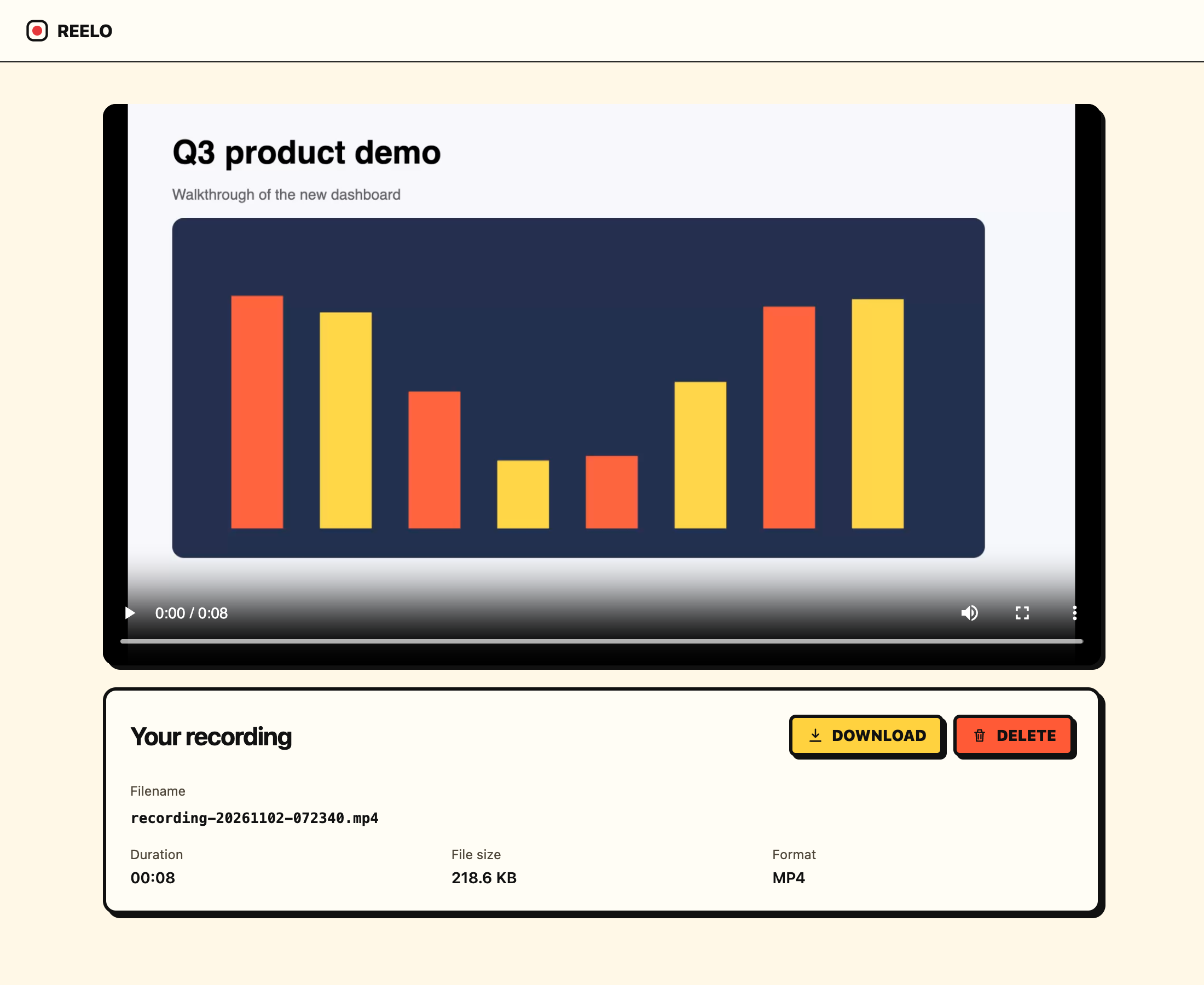
Reelo records a Chrome tab with its sound and your microphone, then saves a clean MP4 on your computer. No watermark, no account, no time limit, and nothing uploaded.
Coming in the next update Window and entire-screen recording, plus an optional 3-second countdown.
Most free screen recorders upload your video to their cloud, so they need an account, and they add a watermark or a length cap to push you toward a paid plan. Reelo has no cloud. Recording happens in your browser and the file goes straight to your computer, so there's no account to create and nothing to upsell. No ads, no tracking, no analytics. Read the privacy policy.
Record the broken flow, attach the MP4 to the ticket.
Talk over a web app or slides and upload the file anywhere.
Keep a copy of a walkthrough or webinar playing in a tab.
Free, no watermark, no account. Installs in seconds.
Comparing tools? See Reelo vs Loom and free Loom alternatives.
Yes. Reelo is free, adds no watermark or logo to your video, and has no time limit.
No. Install the extension and start recording. There's no account, no sign-in and no email required.
MP4 (H.264 video, AAC audio) on current versions of Chrome. If your Chrome can't record MP4, Reelo saves WebM instead.
No. Reelo saves the recording in chunks as you go, so long recordings are safe. Your free disk space is the only limit.
No. Reelo has no server and no analytics. Recordings stay in your browser's local storage until you download them.
Not yet. Today Reelo records one Chrome tab, its sound, and your microphone if you turn it on. Window and entire-screen recording is coming in the next update, which is waiting for Chrome Web Store review.
Yes. Turn on the microphone in the popup and Reelo mixes your voice with the tab's sound. You keep hearing the tab while you record.
Yes. Reelo keeps recording the tab you started on while you browse other tabs. You can also pause and resume.